Skip to content

Stop keying

OnPaper runs every business documents and automate your data entry from PDFs to your ERP. With state-of-the-art AI extraction process.

APP OVERVIEW
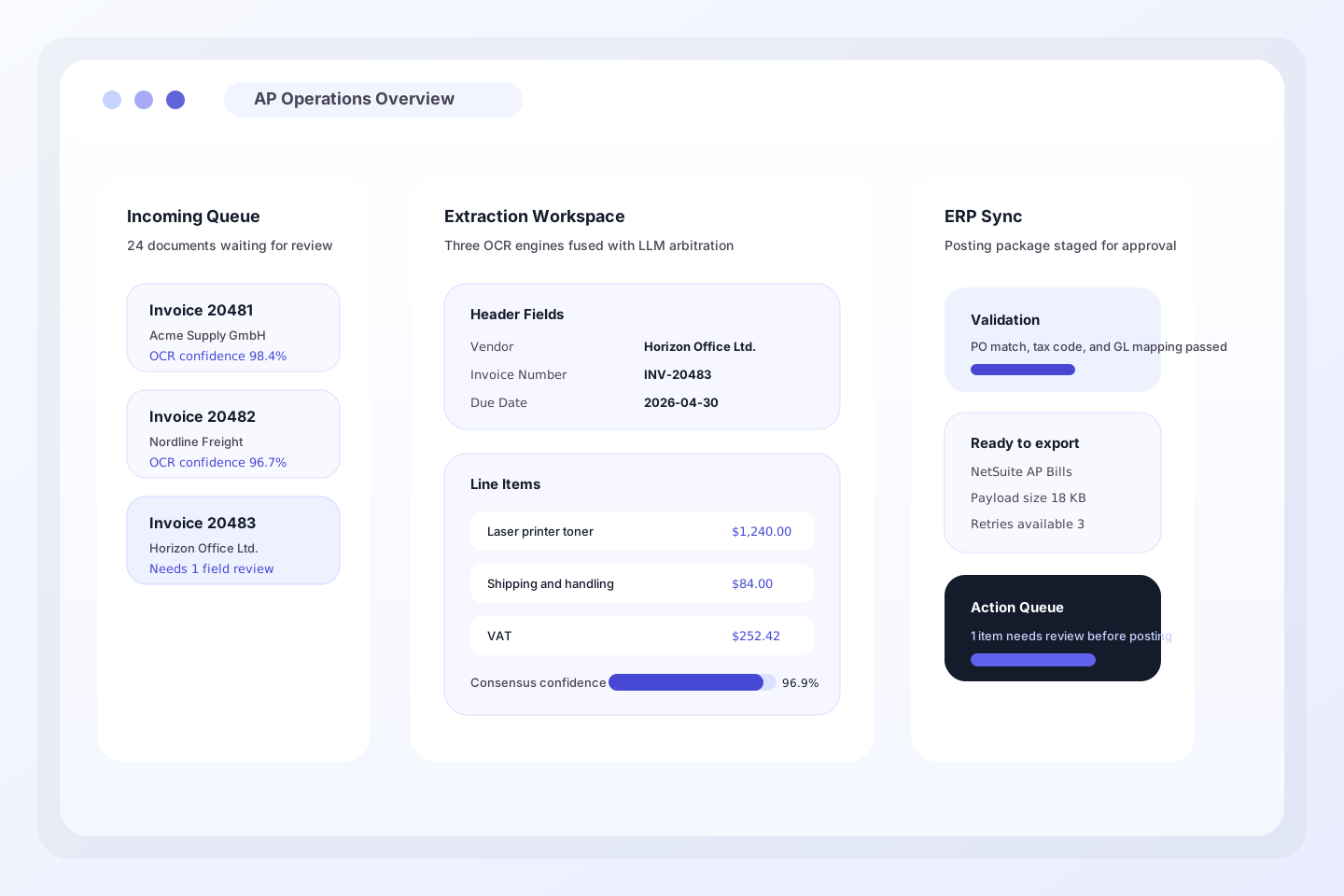
OnPaper dashboard showing an AP queue, extracted invoice line items, and ERP sync status ready for review.

What we automate

Every business document, handled.

One platform. Structured automation for invoices, POs, quotes, and every document flow you add next.

Simplify your processes

From inbox to ERP in four steps.

No black box. Every extraction decision is explainable, auditable, and correctable by your team, eliminating manual tasks and human errors.

1

Step 1

Ingest

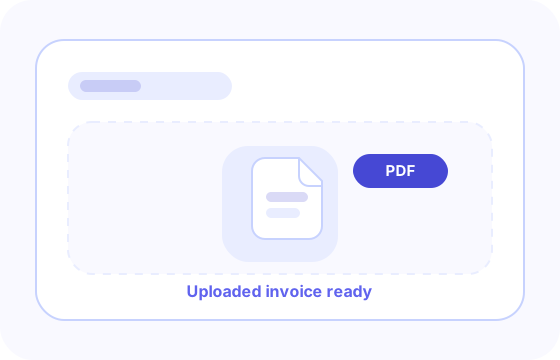
Drop a PDF, forward an email, or connect a folder. OnPaper accepts any document format your suppliers use.

Preview showing an uploaded invoice file ready for ingestion
2

Step 2

Extract

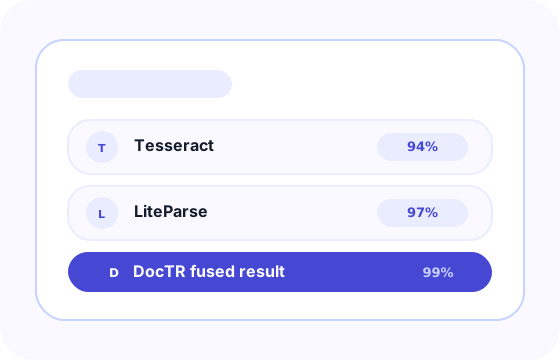
Our 5 levels OCR engines run state-of-the-art models. An LLM fuses their outputs into a single high-confidence result.

Preview showing OCR engines and extraction confidence scores
3

Step 3

Validate

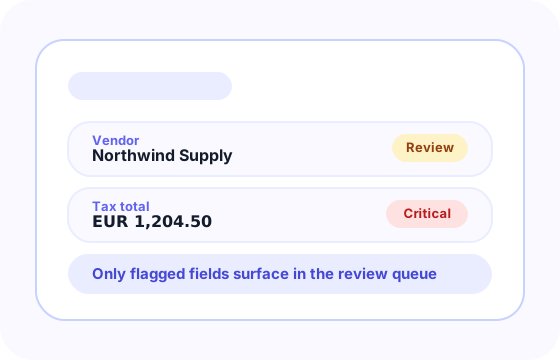
Review and start validation process accross your organisation and let our LLM self-improve and save you time.

Preview showing validation states for invoice fields requiring review
4

Step 4

Sync

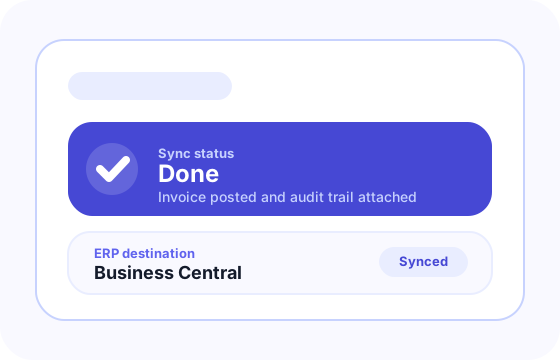
Automated or One-click pushes validated data to your ERP. Status updates inline - no need to open a separate report or log.
Preview showing successful ERP sync status after approval

Integrations

Your ERP. Your rules.

Acumatica
Epicor
Infor
Odoo
Dynamics 365
Syspro
SAP
QuickBooks
Oracle NetSuite
Many others...

OnPaper proof points

99%

Line-item accuracy

5 Layers

OCR engines fused

ROI

Save time and money

5 days

Time to first sync

Book a Meeting

Ready to cut your business document workload in half?

Share your work email and we'll take you to OnPaper's booking page to schedule a conversation about document automation for your finance team.